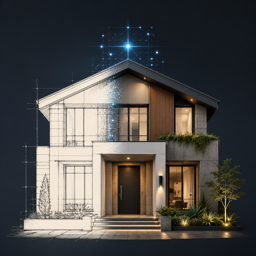
FAQ
Questions about the web preview
The web version is a quick trial for Pinterest traffic. It lets visitors upload one exterior photo, generate one Farmhouse preview, and continue to the App Store.
What does the web preview generate?
It generates one photorealistic exterior redesign concept from a house or storefront photo, using the same render protocol as the Unity app.
Can I generate more than once on the web?
The web preview is limited to one free generation. After that, the Generate button opens the App Store listing for the full app experience.
What kind of image works best?
Use a clear front exterior photo where the roofline, walls, doors, windows, and ground plane are visible. Avoid heavy obstructions, night photos, screenshots, or very wide panoramas.
Does the web preview work on iPhone and Android?
Yes. The uploader, comparison slider, and App Store links are responsive for phone screens.
Is this the full Facade Studio AI app?
No. This is a lightweight web trial. The App Store listing is the intended next step for users who like the preview and want the full mobile product experience.
Why does generation sometimes take a while?
The image is submitted as a render job and then polled until the result is ready. Network speed, image size, and upstream render queue time can affect wait time.
Can I download the result?
Yes. After a successful generation, the Download button saves the generated concept image from the browser.
What happens if a render fails?
The page shows a failed status and keeps the uploaded photo available so the visitor can retry or continue to the App Store.
Can I use a generated image for a real renovation?
The output is a concept preview. Materials, colors, and architectural changes should be reviewed with a qualified professional before real construction decisions.